Building a Google Chat App with n8n
This afternoon I updated my homelab server from Bullseye to Bookworm and the latest version of Proxmox. This went off without too much excitement and I decided to install n8n on the server. I’ve always enjoyed mashing tools together to do something useful and I decided to build a Google Chat App in the visual workflow editor.
The Workflow
The workflow is pretty simple, but also incomplete.
- The workflow starts with a Webhook Node that listens for an event from Google Chat.
- Switch on message type.
- Parse the slash command for the target language and the message to translate.
- Use the Cloud Translation API to translate the message to the target language.
- Send the translated message back to the user via the Webhook Response Node.
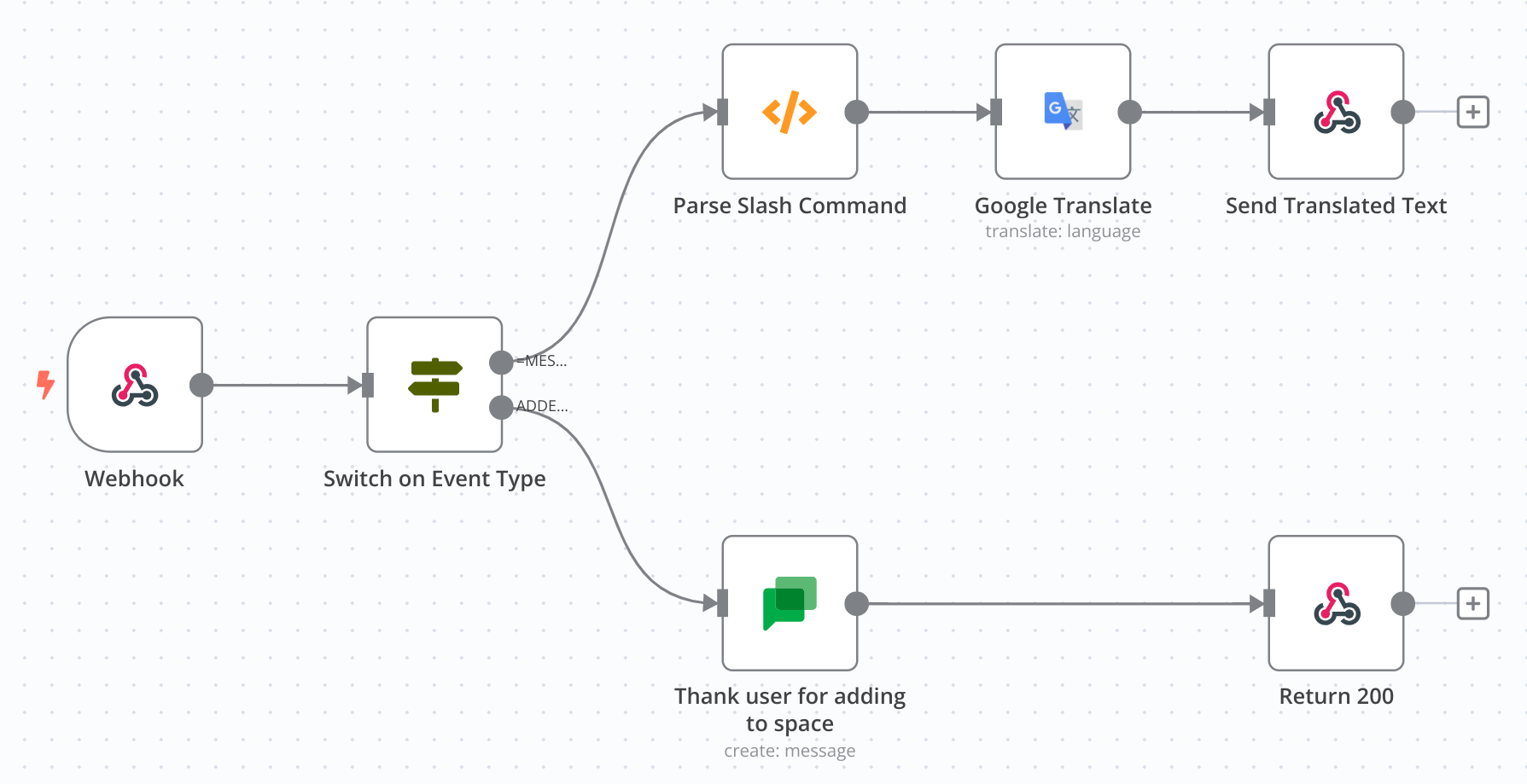
n8n workflow for a Google Chat App
You can download the workflow source from: https://gist.github.com/jpoehnelt/b8327c11c77a3228e9f2ef1727d48a8f
Here are the settings for the Chat node.
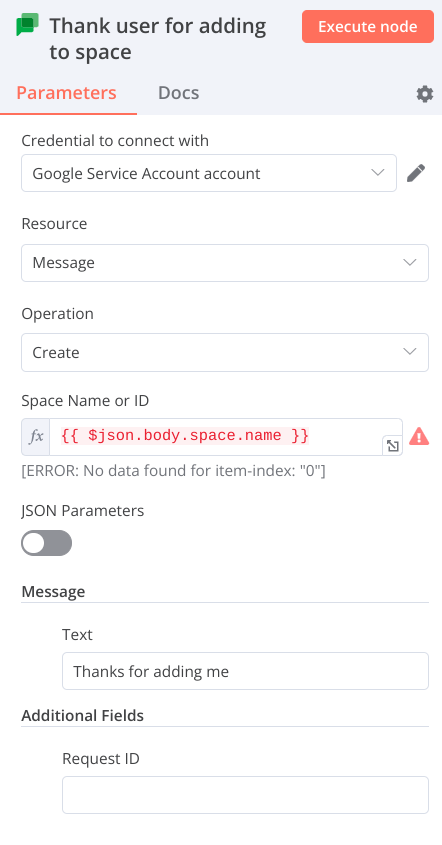
n8n Google Chat App node settings
The finally node in the slash command path responds with JSON matching the following, which is basically a concatenation of the Cloud Translation API response:
{ "text": "Translates to: '{{ $json.translatedText }}' from {{ $json.detectedSourceLanguage }}."}Demo
The app is obviously not very refined, but it works! 🎉
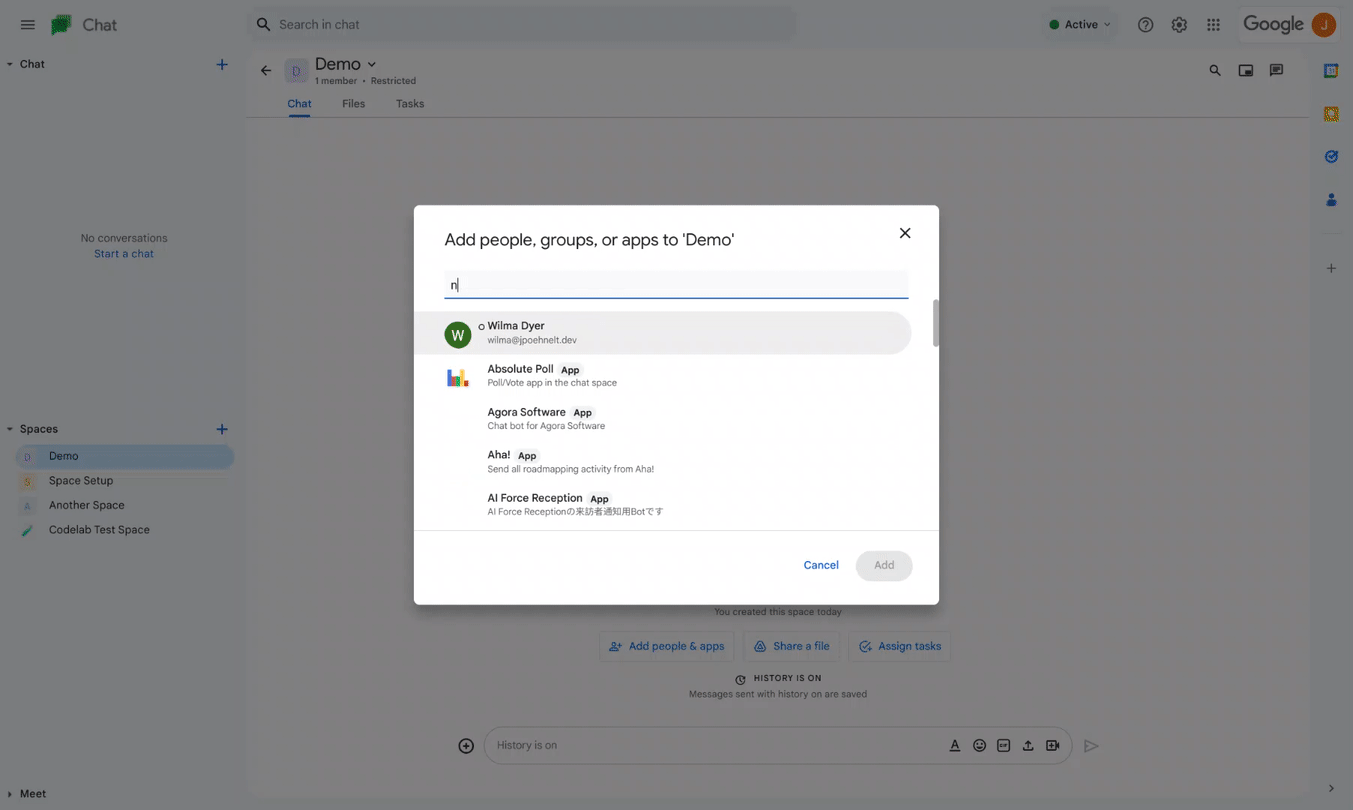
n8n demo for a Google Chat App
Chat App config
There isn’t much exciting about the Chat App config.
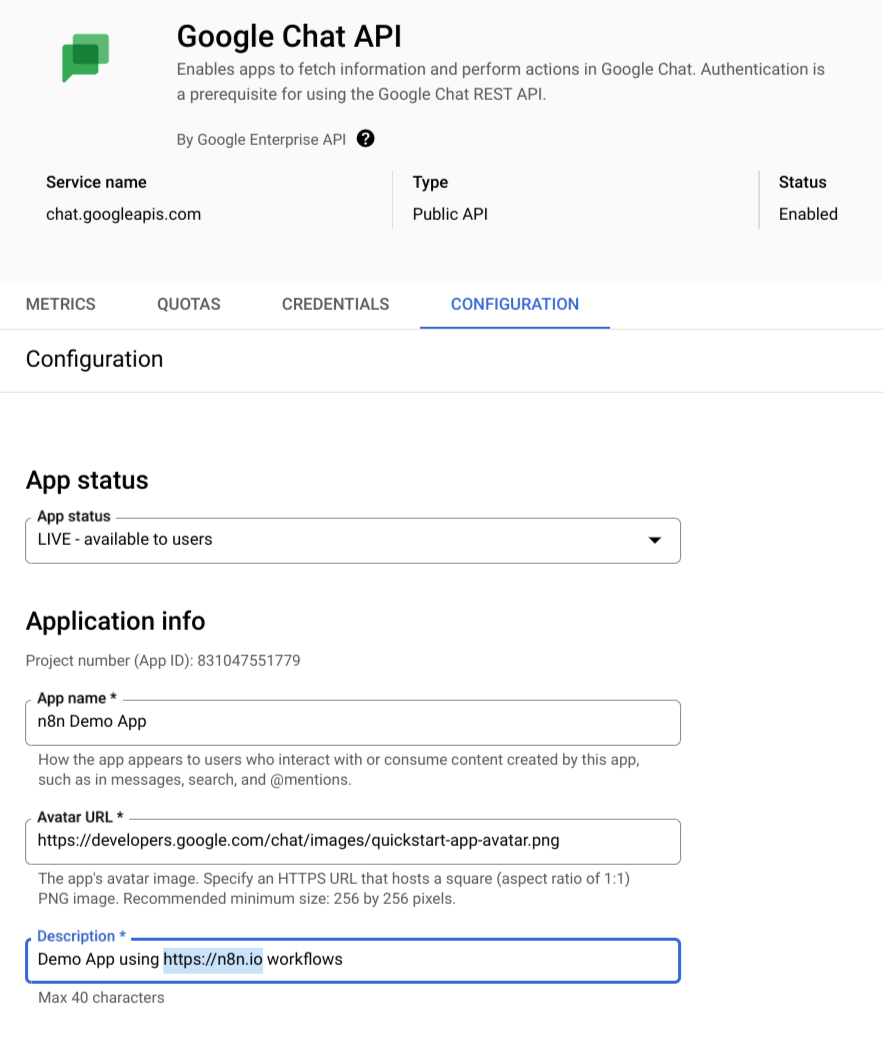
Chat App config basics
The Google Chat App interactivity is configured with a slash command that sends a POST request to the webhook URL. The URL is the n8n webhook URL. The slash command is /translate and the parameters are language and text, the only code I had to write!
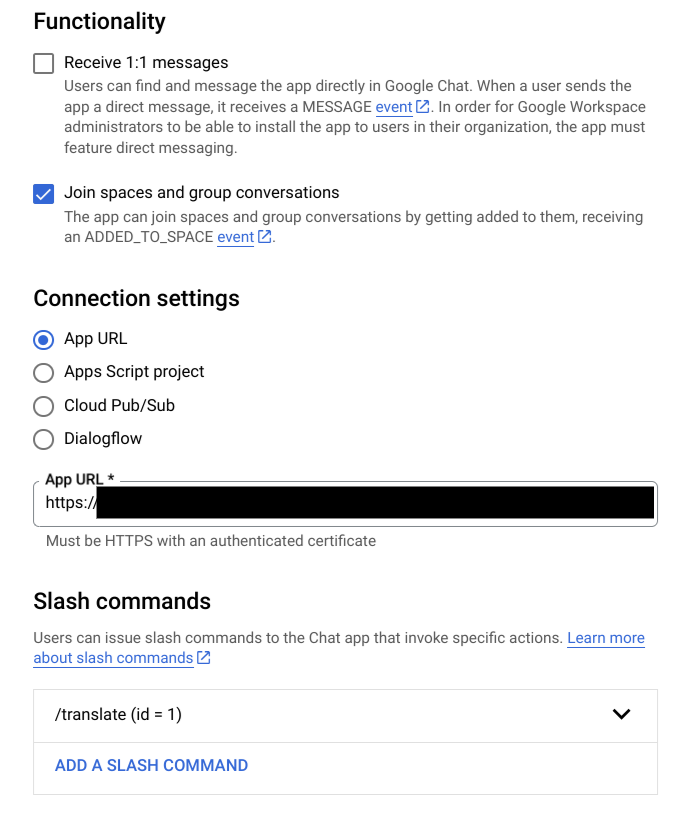
Chat App config interactivity
TODOs
There are a few things I didn’t do:
- Use cards, dialogs, etc
- Properly respond to the slash command so it is not visible in the chat
- Validate the token
- Handle errors
Resources
Opinions are my own and not the views of my employer.
© 2023 by Justin Poehnelt is licensed under CC BY-SA 4.0